Console Q
Supersized widgets for tvOS. An indie app exploring what a widget paradigm could look like on a platform that doesn't have one.
The premise
iOS and macOS got widgets. tvOS didn't. The 65-inch panel in your living room, the largest screen most people own, had no glanceable surface beyond the wallpaper.
Console Q started as a question: what would a widget paradigm designed for ten-foot UI actually look like? Not the iOS widgets scaled up. Something native to the medium: typography you can read from the couch, layouts that fill space without feeling sparse, content sources that suit ambient viewing.
Design choices
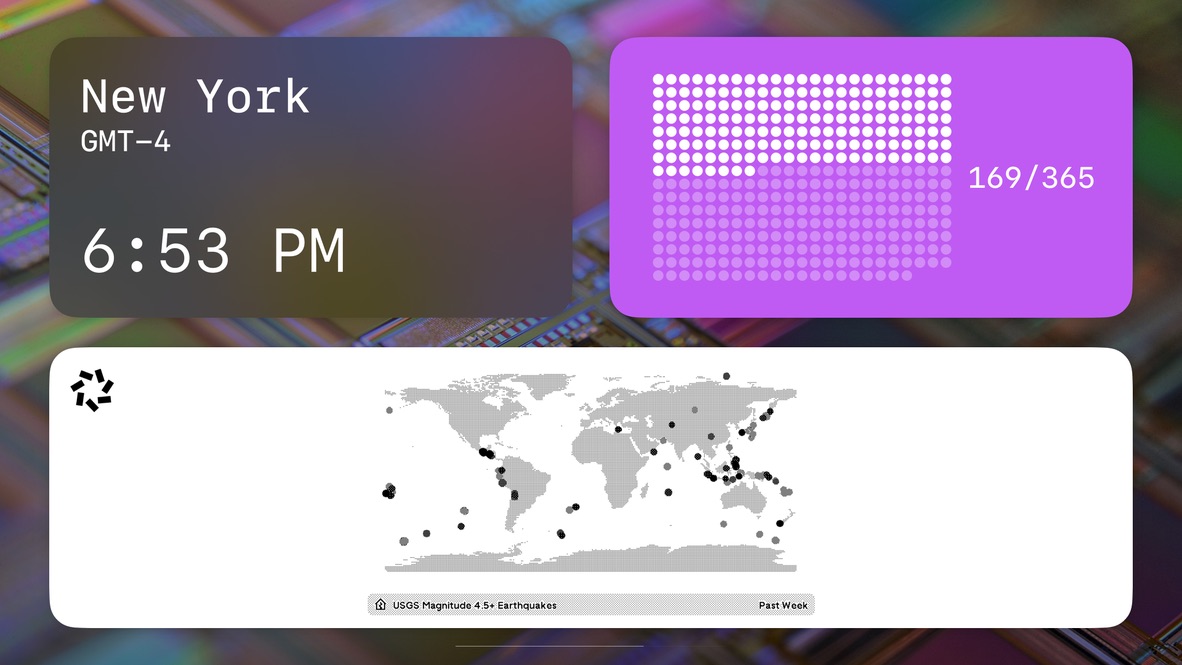
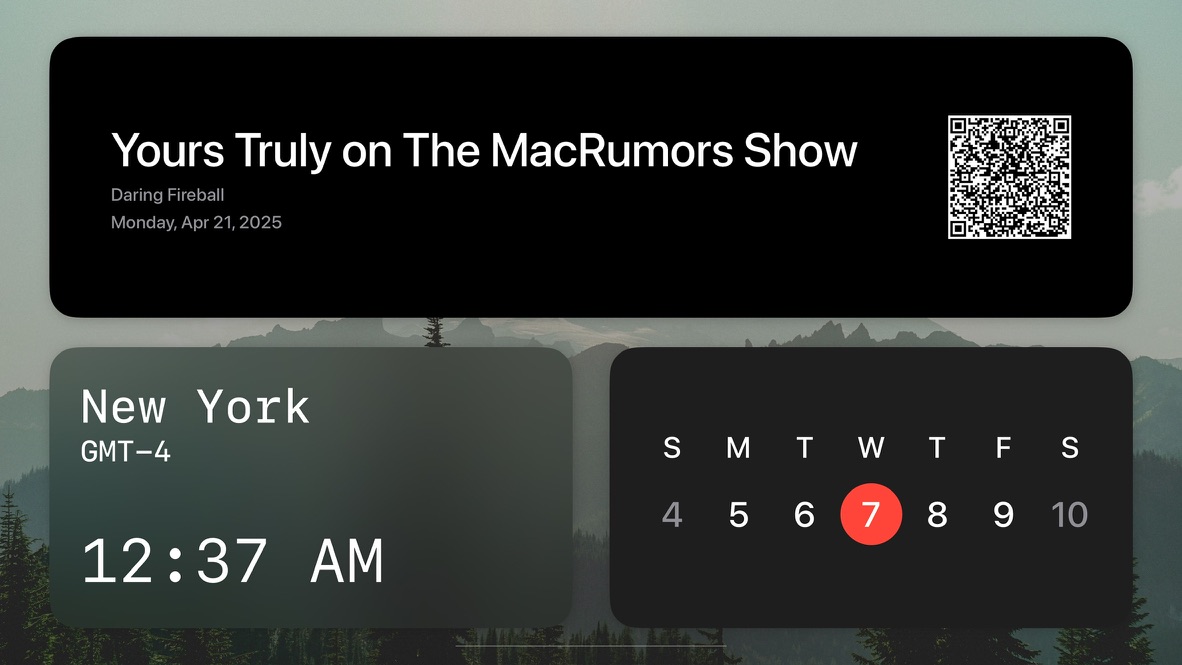
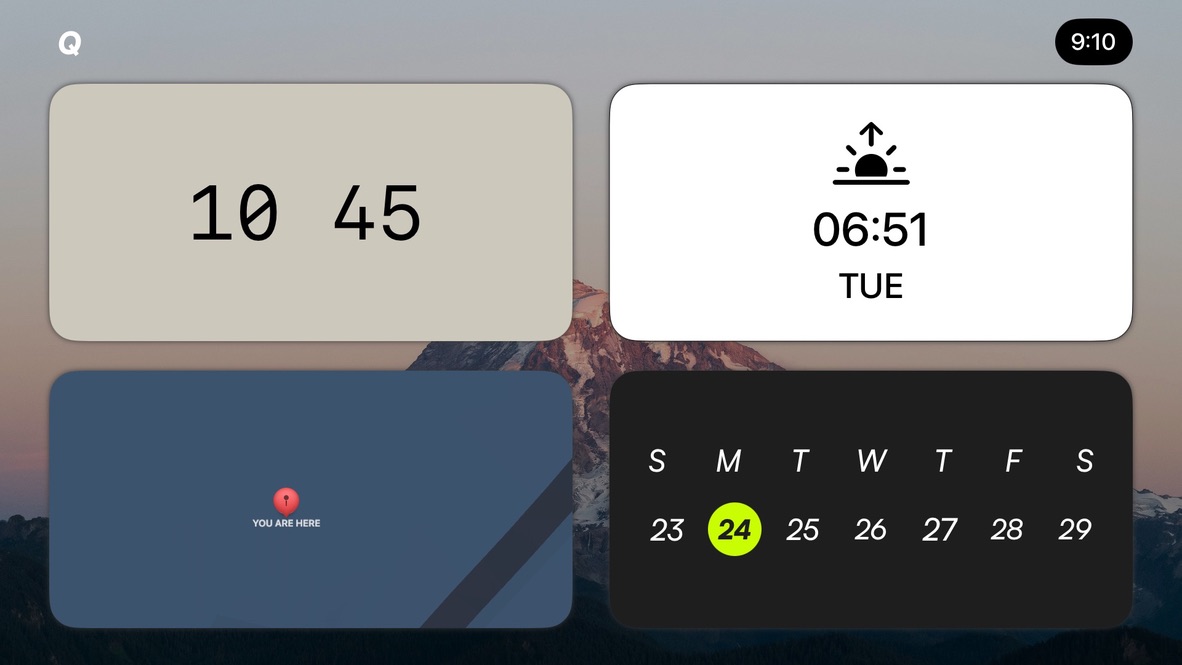
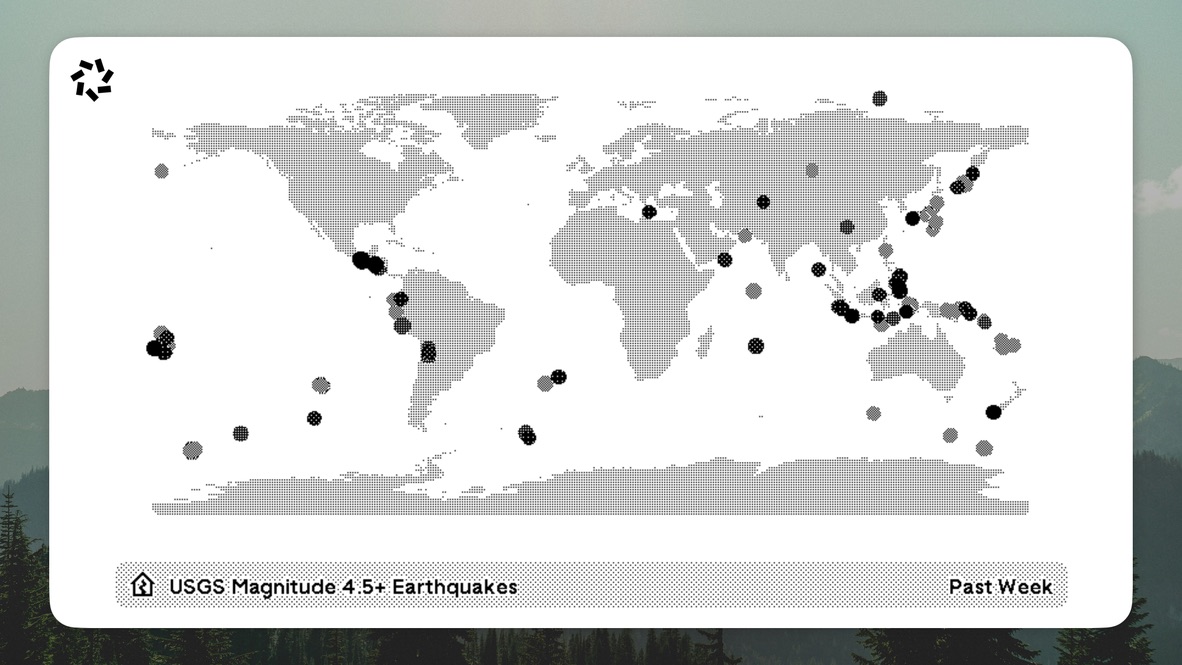
Every widget is built around a single piece of information stated clearly. A clock is a clock at 10:45 in 200pt type, not a tiny analog face stretched to fill a card. A calendar shows the week with today's date as a colored dot you can see across the room. A USGS earthquake widget shows the world's seismic activity as halftone dots over a dotted basemap, quiet enough to ignore and interesting enough to look at.
Engineering
The widget runtime is custom. tvOS doesn't expose WidgetKit, so I built a layout system in SwiftUI that handles widget sizing, refresh cycles, data provider registration, and the wallpaper compositing layer underneath. Each widget is a small SwiftUI view conforming to a protocol that describes its preferred sizes and update cadence.
Onboarding for a TV app is its own design problem: no keyboard, remote-only input, and permissions for location, media library, and photos that all need to be granted before the dashboard makes sense. A TabView-driven flow walks the user through each one with full-screen prompts that read at ten feet.
What I'd do next
Third-party widgets via a small SDK. A few users have asked for sports scores, transit boards, and stock tickers, all good candidates that I'd rather see the community build than ship myself.